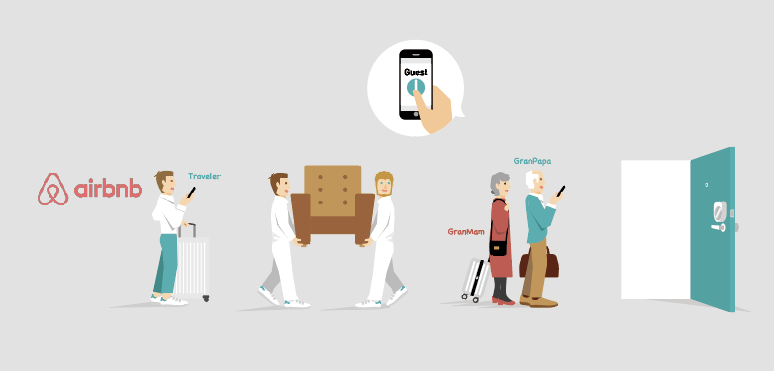

What Guests Need
・Downloading the Sesame app
・Add Smart Key by QR code
※ Requires iOS 8.0 or higher with Bluetooth 4.0 or higher and Android 4.3 or higher.
1. Download Application

SESAME セサミ
Be sure to check the version for SESAME mini. Please check the icon image of the application and install it.
1.1 iPhone users

1.2 Android users

2. Add Smart Key
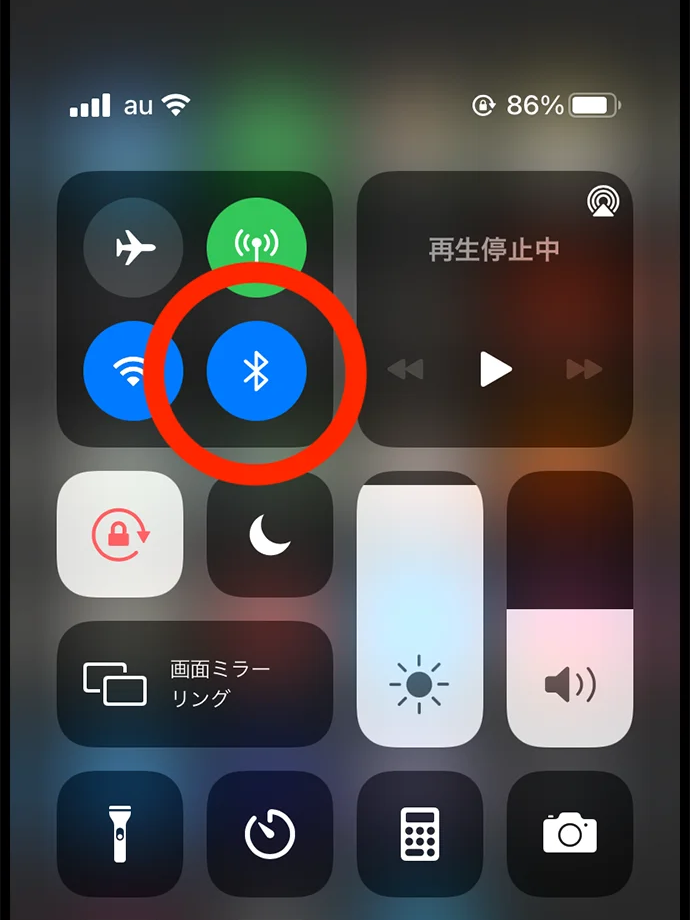
2.1
Verify Bluetooth is On

2.2
Tap the + button in the upper right corner.
2.3
Tap the [Scan QR Code ].
※ We will send you the QR code before your check-in.
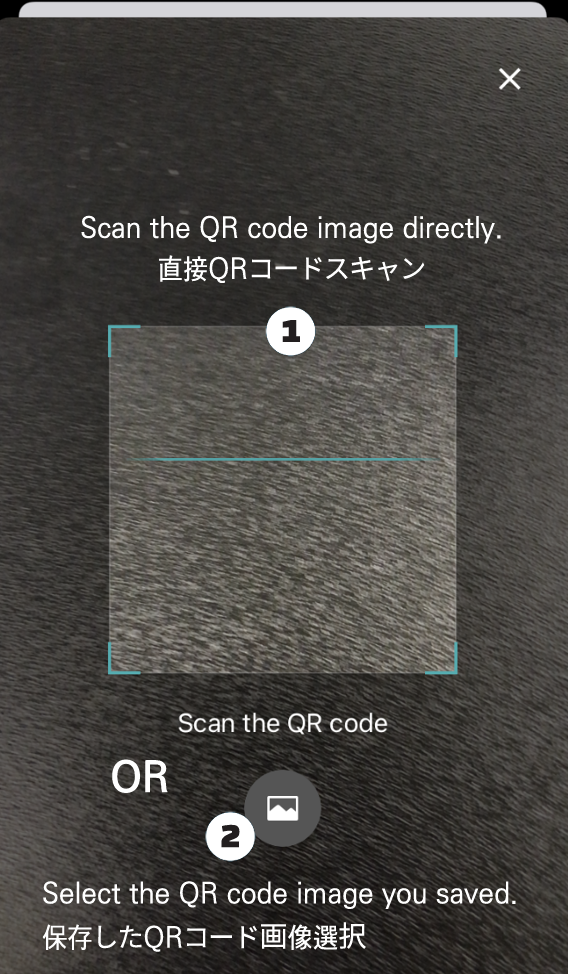
2.4
Register the QR code in two ways.
① Scan QR code
② Select the QR code image you saved.
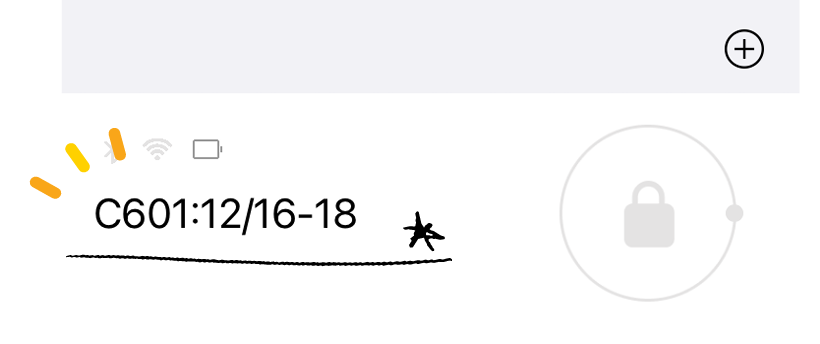
2.5
Check the registered key.
AlsoCheck your room number and details.
3. Using Smart Keys

3.1
If the owner has already shared the key, the SESAME already shared is displayed.

3.2
Tap the shared SESAME → You can open and close the key.
If you have any difficulties, please feel free to contact us via Airbnb message or online chat on this site (bottom right).
Jay House