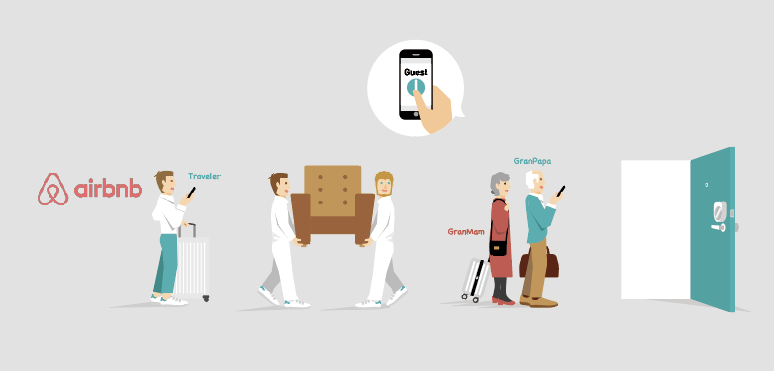

What Guests Need
・Downloading the Sesame app
・Account registration
※ Requires iOS 8.0 or higher with Bluetooth 4.0 or higher and Android 4.3 or higher.
1. Download Application

SESAME セサミ
Be sure to check the version for SESAME mini. Please check the icon image of the application and install it.
1.1 iPhone users

1.2 Android users:

2. Make sure Bluetooth is turned on

2.1
Please authorize the use of Bluetooth when installing the application and make sure that Bluetooth is turned on in your smartphone.
2.2
Depending on the model you are using, you may also need to turn on location permission for the Sesame app.
3. Add Smart Key on SESAME
3.1 Scan the QR code

3.2 Select from Gallery

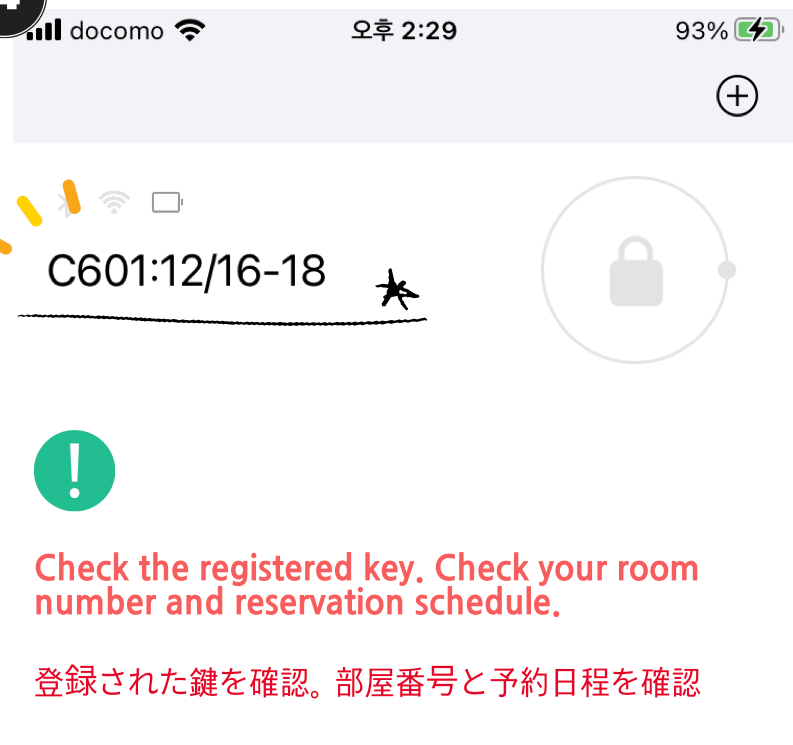
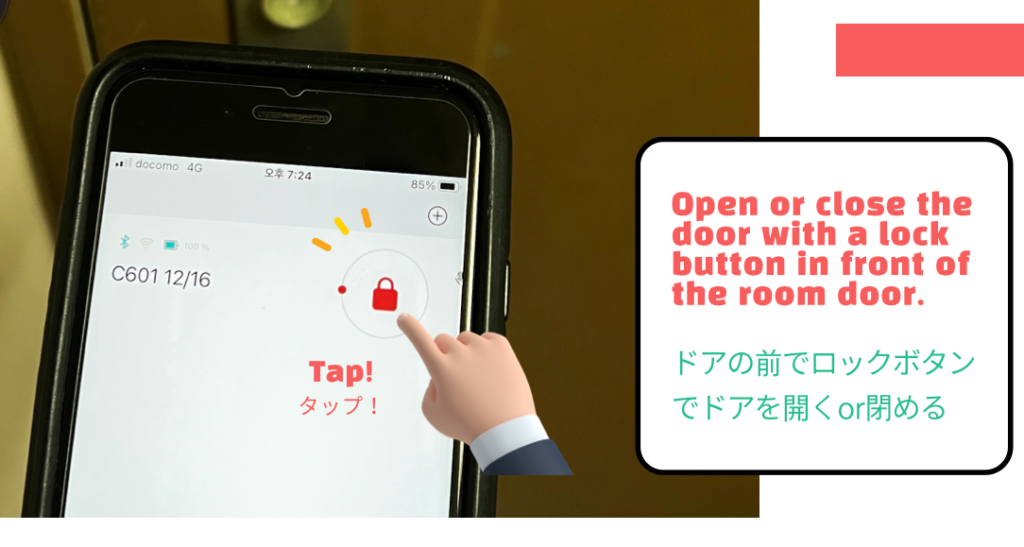
4. Open the Door
Jay House